How to top-up your credits
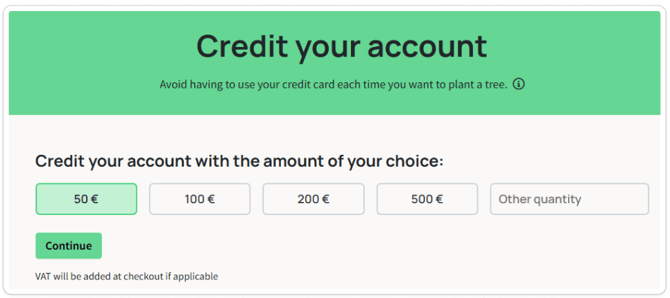
- Go to the Credit your account section.
- Simply select the amount you want to credit.
- Credit auto recharge, of the chosen amount, will be activated. If you're planting automatically, the system will re-credit your account when your credit balance reaches 15% of the auto recharge amount. E.g. Add €200 in credits, when your balance is €30, a €200 credit charge will be triggered.
The minimum amount to credit your account is €10 and only be round numbers.
*Note: You will have up to one year to use those credits from the date of purchase.
Where can I find my credit balance?
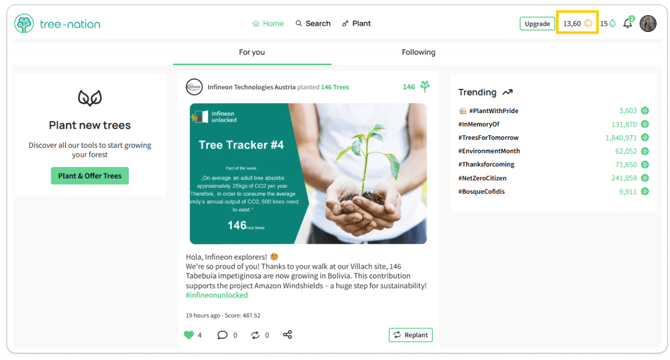
To view your available credits, log in to your account, and at the top right in the main menu bar, you will find the amount of credits that you have available. This equals the amount of euros you have left to plant trees with.