Tree-Nation offers you different ways to plant yourself and gift trees to friends, colleagues, or employees:
Buying trees
To buy trees that you can plant yourself or gift to others, click the “Register” button at the top right of the homepage menu. You can also send Tree-Gifts to people who are not yet registered on Tree-Nation, as recipients do not need an active account to view their gifted trees.
Receiving Tree-Gifts
We'd love for you to join the movement. Creating an account is free, and it adds this Tree-Gift to your own digital forest — where you can track it, see its story, and start contributing yourself. You can get involved for free too, for example by playing our Seeds Game to plant extra trees, or you can go further with our planting habits.
To be clear: your tree is planted either way — no account is required for that part.
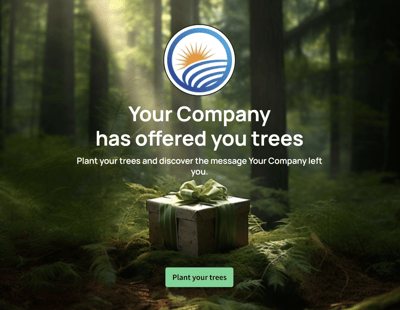
To collect your gift, follow the Tree-Gift link (from our email, or forwarded to you by the person who gifted it), then click "plant your trees." You'll be invited to register and claim it into your forest — or select "skip" to view it without one.
Please note: the physical tree will always be planted, whether or not you collect it and add it to your digital forest. We nevertheless hope you will join our mission and become part of our community.