Tree-Nation makes it easy to pull your latest project and forest updates as a live RSS feed — perfect for plugging into your website, your CMS, or any RSS reader, so your content stays current automatically.
How it works
Take the link that matches what you want to show, swap in your own slug where needed, and you're done — no account or API token required.
1. All updates
Every update, across all Tree-Nation projects:
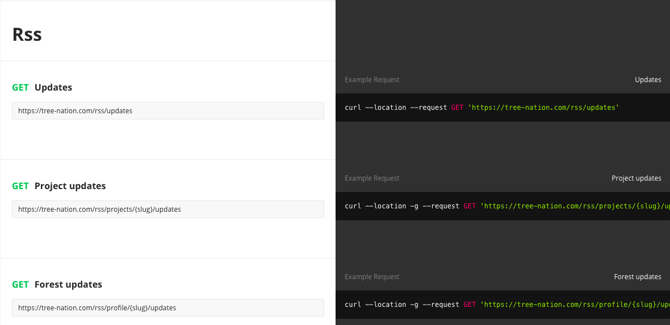
https://tree-nation.com/rss/updates
2. Project updates
All updates from one specific project:
https://tree-nation.com/rss/projects/{project-slug}/updates
Example:
https://tree-nation.com/rss/projects/usambara-biodiversity-conservation/updates
3. Forest updates
All updates related to one specific forest — yours, a corporate forest, or an end-user forest:
https://tree-nation.com/rss/profile/{forest-slug}/updates
Finding your slug
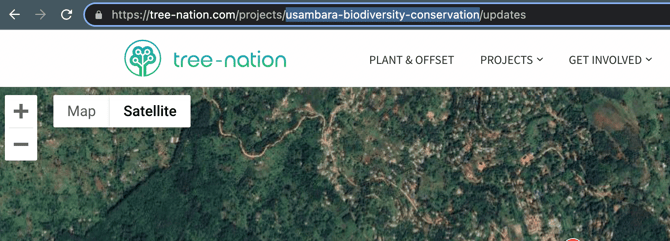
Visit your project or forest page on Tree-Nation and copy the slug straight out of the URL. For example, on https://tree-nation.com/projects/usambara-biodiversity-conservation/updates, the slug is usambara-biodiversity-conservation.
Using the feed
Paste the finished link into your website's RSS widget, your CMS's feed importer, or any RSS reader (Feedly, etc.) to display a live, auto-updating stream of content.
Want more than updates?
If you'd like to go further and pull structured data — like the number of trees planted or CO2 captured for your forest or projects — you can connect directly to the Tree-Nation API. Request your personal API token from your account settings, then check our Postman documentation for the available requests:
- Request your API token: tree-nation.com/user/api
- Browse available API requests: Tree-Nation API documentation
Install your Tree-Nation Website Labels
1. Climate Action Website Label to offset the estimated emissions of your website - For free!
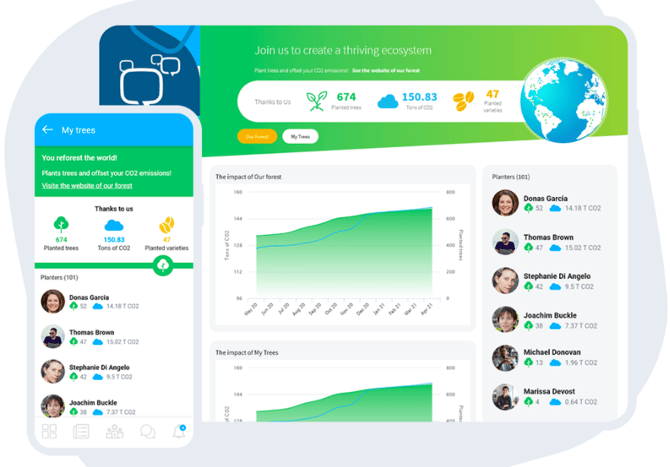
2. Tree Counter - Display your total number of planted trees!