
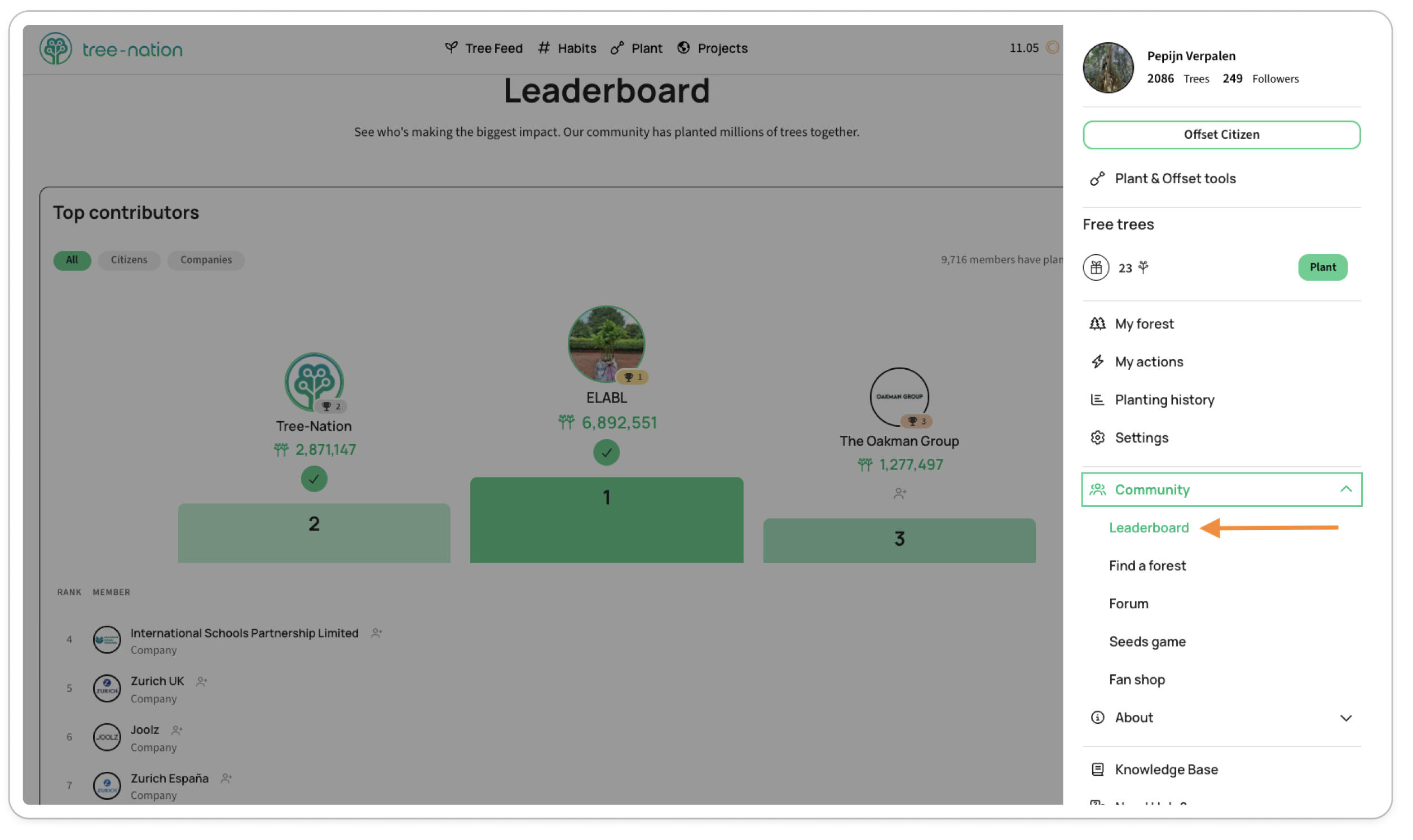
The Leaderboard ranks every citizen and company on Tree-Nation by trees planted — see how your forest compares, and follow others to keep an eye on theirs.
Open it from your profile menu > Community > Leaderboard, or go straight to tree-nation.com/leaderboard.
What you'll see
- The community total: how many members have planted, and how many trees in all.
- A Top 3 podium, plus a ranked list below it.
- Filters for All, Citizens, or Companies, if you want to compare within your own category.
- Your own rank, pinned at the bottom of the list with your tree count — and a nudge showing exactly how many more trees would move you past the person or company just above you.
Following others
Next to each name is a Follow button. Use it to keep track of a company or citizen you want to follow — a checkmark means you're already following them.